
WiNET SmartFi Config: connect WiNET to your home WiFi
SmartFi Config is the app that helps you connect the WiNET module to your home router in a simple, fast and intuitive way.
What is SmartFi Config for?
SmartFi Config is used to set up the WiFi connection of the WiNET device. In practice, it helps the module connect to your home network so it can communicate correctly over the Internet afterwards.
After setup, you can use WiNET+ to link the device to your account and control your stove remotely.
SmartFi Config and WiNET+: what is the difference?
SmartFi Config: SmartFi Config is used for the initial WiFi setup.
WiNET+: WiNET+ is used afterwards to see the device, register it in the cloud and control the stove from your phone.
In short, the procedure is
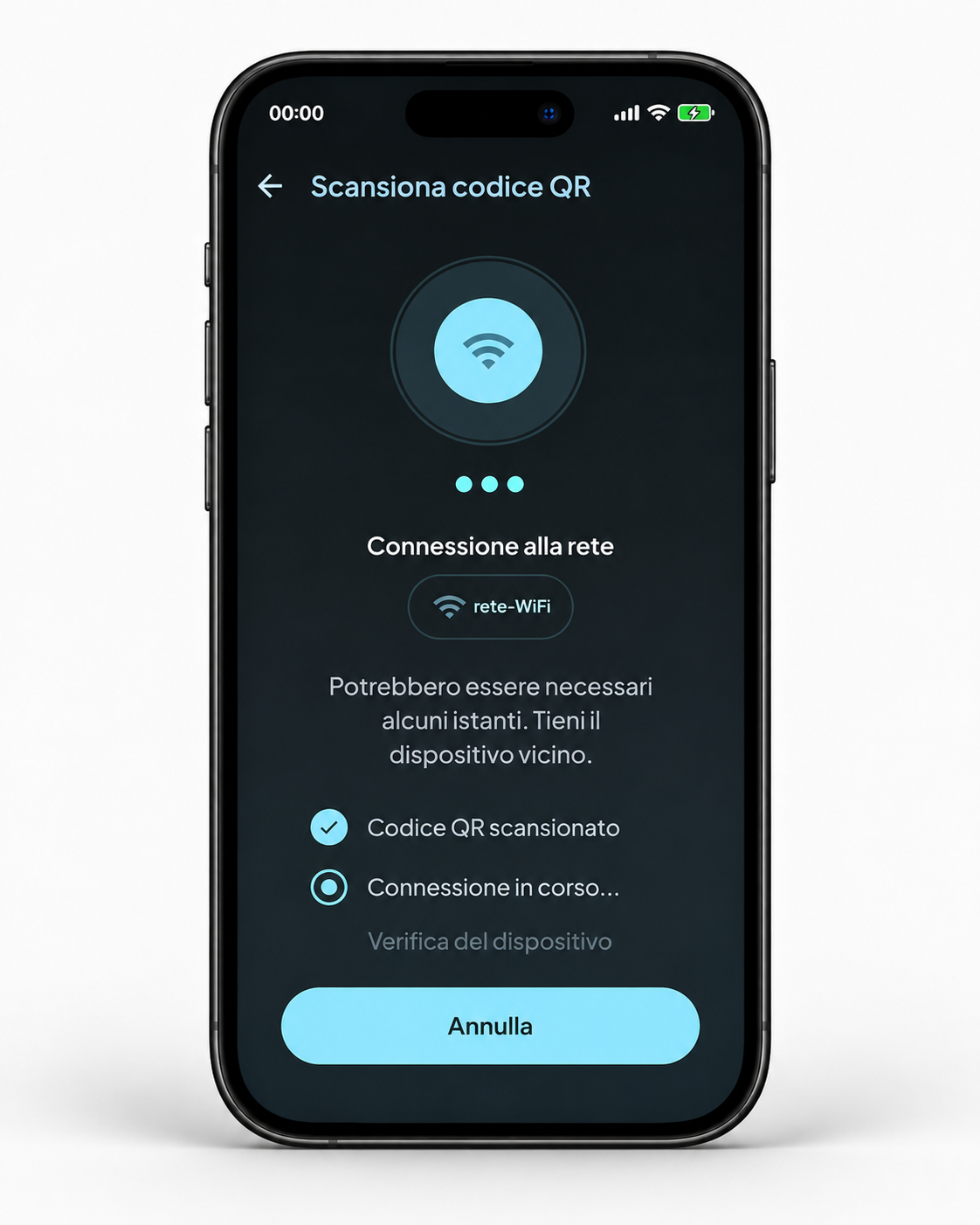
- Open SmartFi Config and scan the QR code on the WiNET module.
- Choose your home WiFi network and enter the correct password.
- Wait for the device verification and confirm when requested.
- When setup is complete, switch to WiNET+ for normal use of the system.
Main screens


Do you want the full step-by-step procedure?
We have prepared a practical guide with all the main screens, hosted directly on our website.
Need help?
If you have doubts during setup, we can also help you by phone or by appointment.
WiNET SmartFi Config · local image assets hosted on your site.
